
Most PHFUN players in the Philippines and Malaysia play on their phones, whether on the jeep, between shifts or on the couch. You may not even need an app. Here is how to set up the smoothest, safest mobile experience on Android and iPhone.
Browser, shortcut or app?
| Option | Pros | Cons |
|---|---|---|
| Mobile browser | Nothing to install, always up to date | Easy to land on a fake site if you type the address wrong |
| Home-screen shortcut | One tap, opens the real address every time | Same as browser performance |
| Downloadable app (if offered) | Full-screen, sometimes faster | Only safe from the official site; needs updates |
Add PHFUN to your home screen
iPhone (Safari): open the official site, tap Share, then Add to Home Screen.
Android (Chrome): open the site, tap ⋮, then Add to Home screen or Install app.
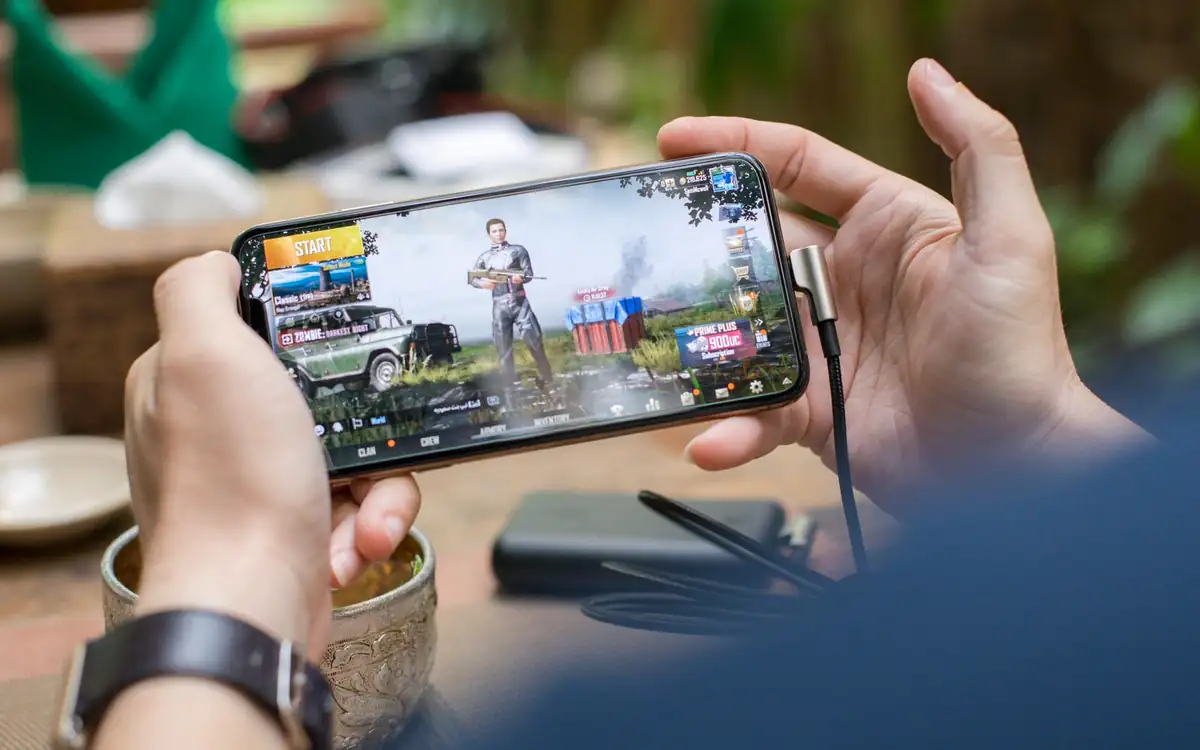
Installing an Android APK safely
If PHFUN offers an Android download, get it only from the official site's download page. Android will ask you to allow installs from that source. Turn this permission back off afterwards. The Android Help Center explains app permissions and Play Protect. Never install "modded" or "hack" APKs promising higher win rates. They are malware, full stop. Our safety checklist covers more scam patterns.
Data and battery tips
- Live dealer streams use the most data. Lower the video quality on mobile data.
- Slots and fishing games are lighter, but animations drain the battery. Lower the screen brightness.
- Close other apps to free memory on older phones.
- Avoid public Wi-Fi when logging in or moving money.
Set phone-level limits
Your phone can help you play responsibly: use Screen Time (iPhone) or Digital Wellbeing (Android) to cap daily app time. Combine that with the plan in our budget guide. New to PHFUN? Start with our registration guide, then see the e-wallet guide for mobile cash-in. You can browse game types on the games page.
Mobile FAQ
Is there an official PHFUN app?
App availability can change. Use only downloads linked from the official PHFUN site, or add the site to your home screen instead.
Can I play PHFUN on iPhone?
Yes. Open the official site in Safari and add it to your home screen for an app-like experience.
How much data does PHFUN use?
Slots use relatively little. Live casino video streams use much more, so lower the video quality on mobile data.